18+. Offer wording, rating and review count are reported by the partner and shown as received. Availability and terms depend on where you are. Gambling carries financial risk.
18+. Offer wording, rating and review count are reported by the partner and shown as received. Availability and terms depend on where you are. Gambling carries financial risk.
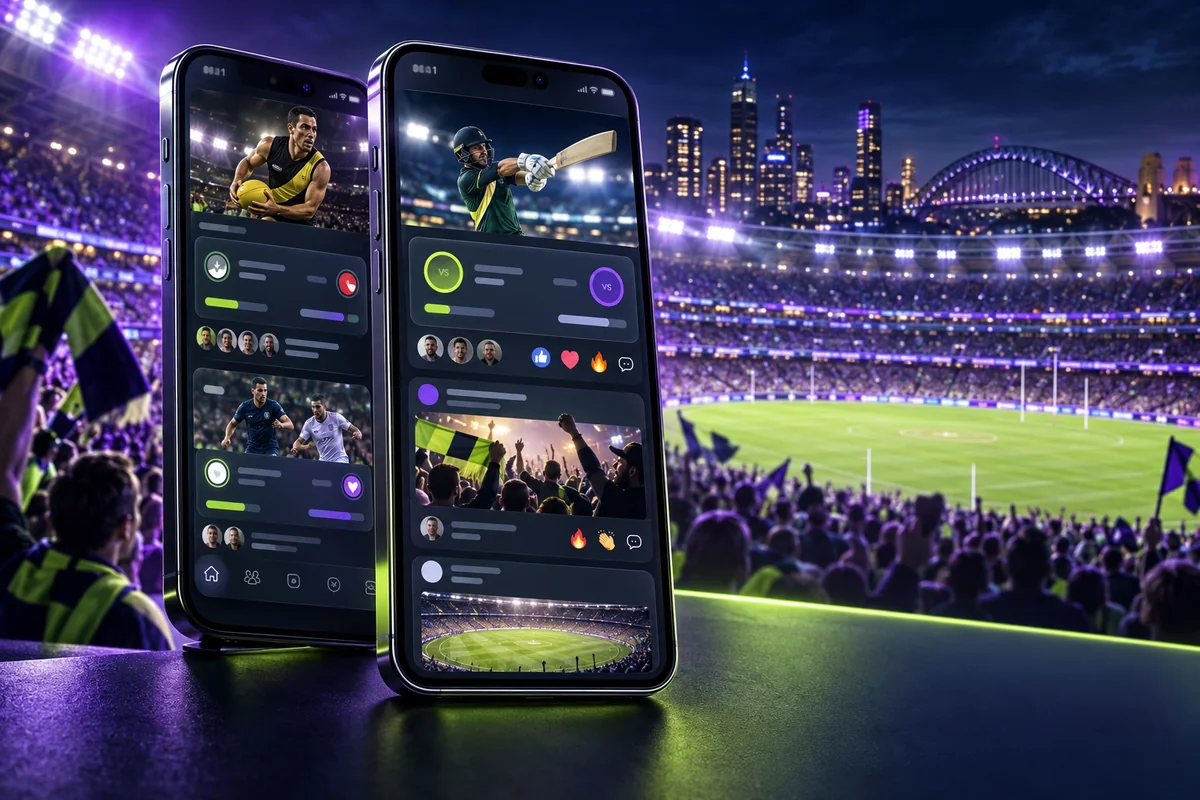
Banter Channels group posts and conversation around events or interests. They can help users discover context, while also increasing noise, urgency and herd behaviour.
Made for Australian usersUpdated 28 September 20266–8 minute read
Quick answer
Channels are most useful as navigation and entertainment. Mute what distracts you and never treat message volume as evidence that a selection is good value.
What matters at a glance
Topic-based discussion
Posts can connect to betslips
Community rules apply
Popularity is not probability
How channels differ from an odds menu
An odds menu starts with an event and price. A Banter Channel starts with people, commentary and shared activity. The strongest opinion may simply be the loudest.
Manage attention deliberately
Follow fewer channels, disable unnecessary alerts and leave space between seeing a post and confirming a wager. Urgency is a design effect, not new information about an outcome.
Community safety basics
Do not share account details, identity documents or payment information in public posts. Report impersonation and use official support for account issues.
Before you jump in
Try the feature with a familiar sport first. A shared post is a starting point, so review every selection before it reaches your bet slip.
Dabble can update markets, screens and account rules. Let the current app screen make the final call, and set a deposit limit that keeps the experience inside your entertainment budget.
Frequently asked questions
Can anyone post in Banter Channels?
Access and posting controls depend on the current channel and community rules.
Are channel tips checked by Dabble?
Do not assume ordinary user opinions are independently verified.
Can I mute conversations?
Use current app notification and following controls to reduce unwanted activity.
ABL
Aussie Betting Lab
We turn the Dabble app, features and account steps into practical Australian guides. Meet the site.
Everything on this site is about a betting app. If you wanted a casino lobby — pokies, roulette, live blackjack — here is the operator we recommend for Australian players.